
Tune your academy.
Music academy management software — teachers, classes, tuition, and payroll, all in one place.
Student intake, from call to class in three steps
The desk types what the caller wants; Harmonifa finds a teacher, room and time that are truly free, and nothing double-books.
Inside the music school management platform
Everything a music school handles every day, in one place: from enrollment and the weekly timetable to tuition and your public page.
Front desk and enrollment
Take the student’s topic and preferred days; the software proposes the best time, teacher and room and confirms the enrollment at the right tuition.
Weekly timetable
See every class, room and teacher on one calendar; clashes are caught before anything is booked, not after.
Classes and courses
Create private lessons, group classes and workshops, set capacity and tuition, and always know how many seats are left.
Students and teachers
Open one file per student with classes, attendance and balance together; each teacher’s specialties and free time sit next to it.
Attendance
Record attendance for each session on the day and follow every student’s absences without a paper register.
Tuition and accounting
Issue tuition invoices, record payments and see who owes what without spreadsheets or manual sums.
Enquiries and follow-up
Requests from your public page land in one inbox, so you can follow them up and turn them into enrollments.
Public academy page
Your academy gets a page with its classes and teachers that search engines find, and students enroll right from it.
Before & After Harmonifa
See how Harmonifa makes everyday academy management simpler.
You can see before and after.
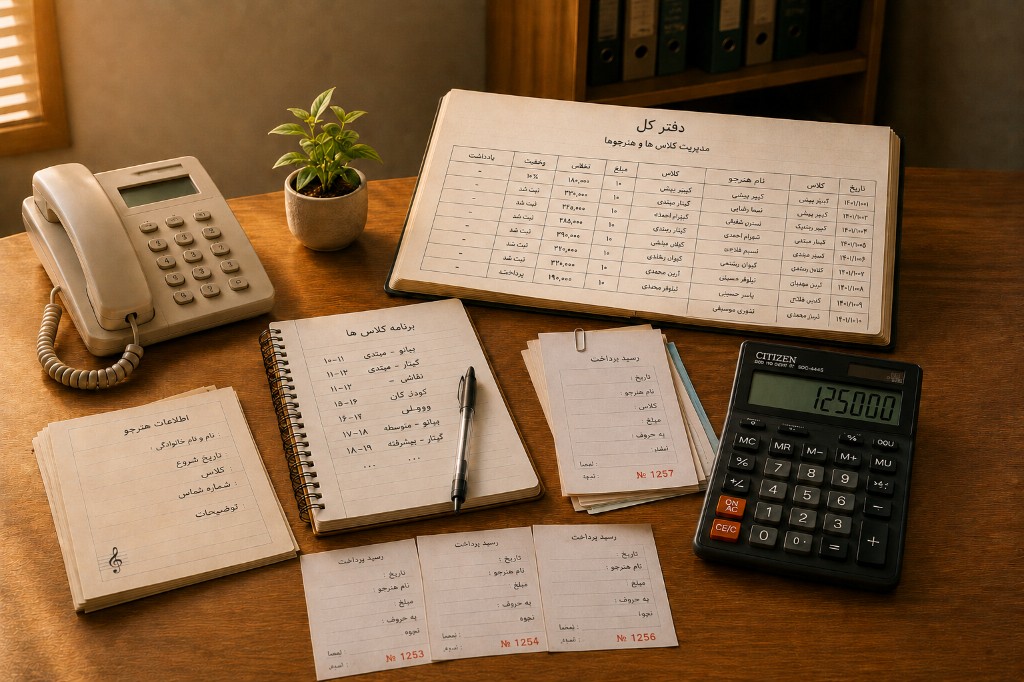

You can see before and after.
Day-to-day academy work
From classes and the week to the public page — one place, not scattered tools.
How to start
Create the academy, fill the week, publish the public page.
Step 1
Create your academy
Register, create the academy, and invite teachers when you are ready.
Step 2
Fill the week
Classes, capacity, and enrollments stay on one desk — not in chat or spreadsheets.
Step 3
Publish the page
Parents see teachers and class times, and can leave interest without WhatsApp.
Tune your academy
Create your page, or browse published academies first.